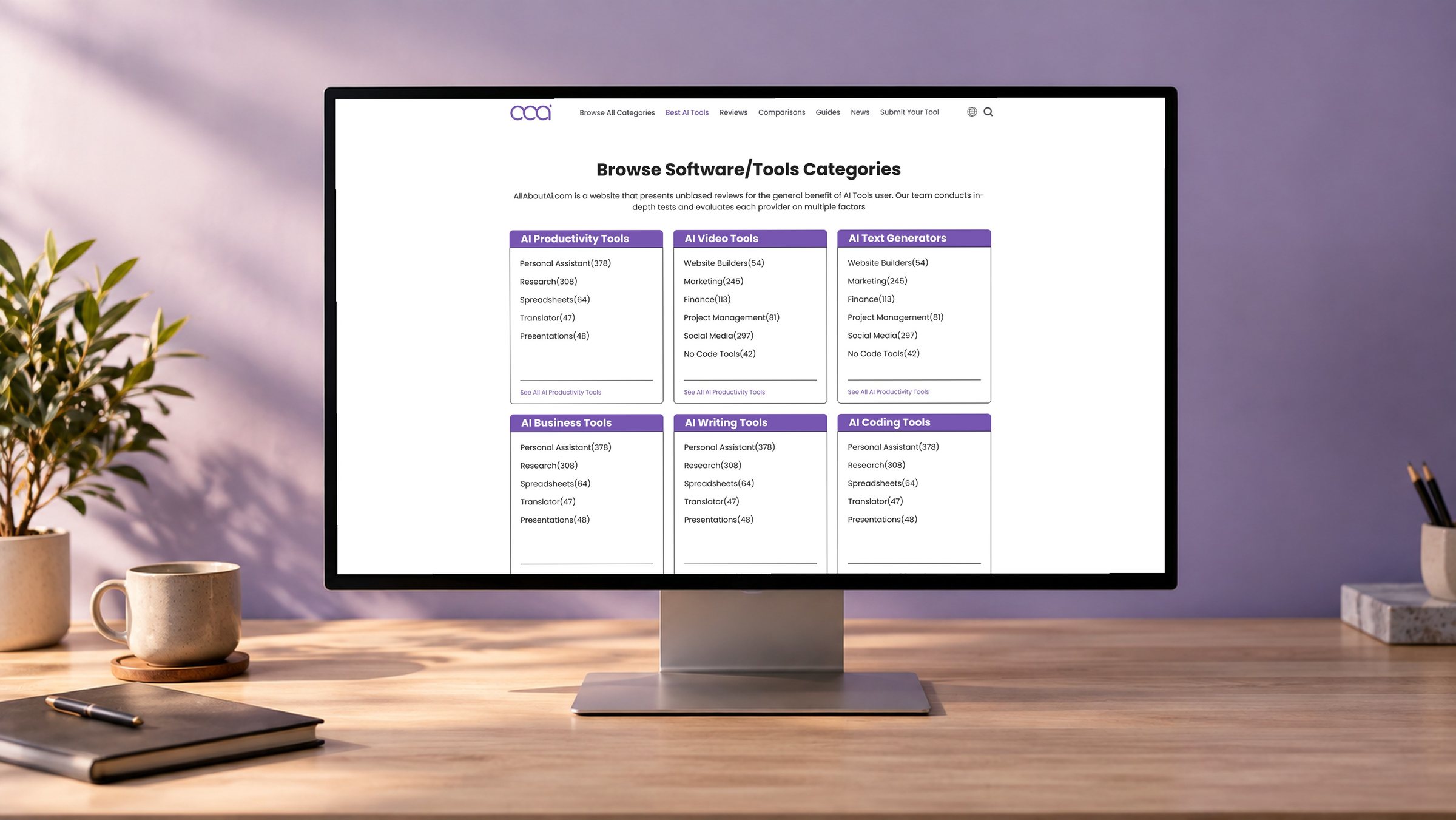
Original AllAboutAI homepage design shown on a laptop

AllAboutAI · Website redesign

Making
expertise
visible.

A redesign of an AI-tools publication around one question: why should a reader trust this recommendation?

Role
Sole website designer
Company
WebAffinity
Timeline
2024 · Two months
Scope
Full website · Scoring UI

Screen: original 2024 Figma homepage. Sample copy and logos belong to the mockup. Device scene generated for presentation.

01 — Overview

From publishing content
to earning trust.

Starting point

A general content-production site.

AllAboutAI published articles about AI tools, but the interface gave readers little reason to believe one recommendation over another.

The brief

Make E-E-A-T visible and introduce an AI-tool score.

Show the experience, expertise, authority and trust behind the content, and give readers a clear way to read how tools compare.

My part

Redesign every page and present the score.

I designed the full website and the score interface. The scoring criteria and calculation were not mine; the presentation was.

Designed page types
  • Homepage
  • Category index
  • Category & subcategory
  • Listicles
  • Product review
  • Tool comparison
  • Author bio
  • Editorial guidelines
  • Testing methodology
  • AAAI Score & reports
02 — Structure

One question.
Three layers of answer.

I organised the site around how a reader moves from curiosity to a decision. This map is a retrospective view of the page relationships in the design.

01

Discover

Search, browse categories, shortlist tools.
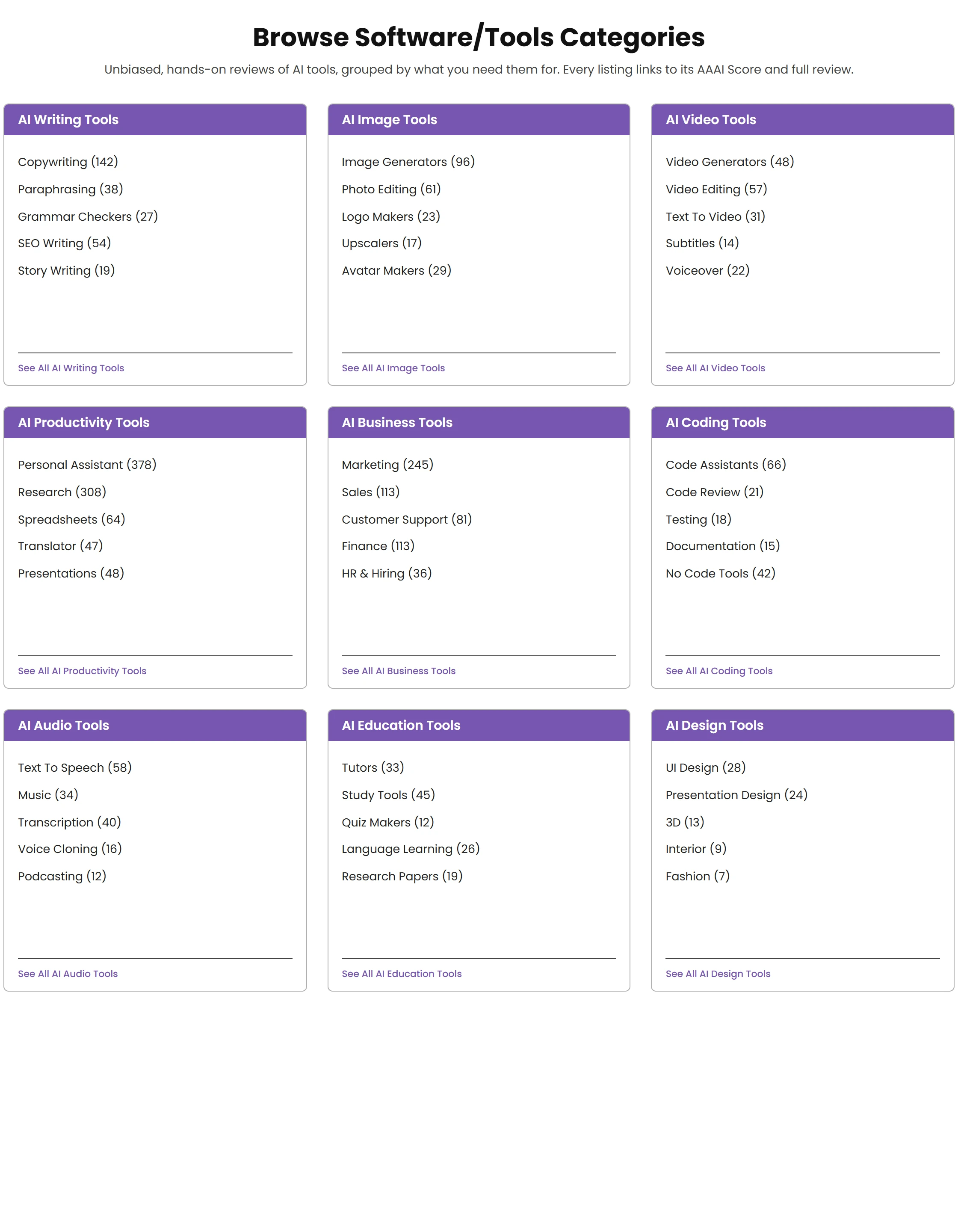
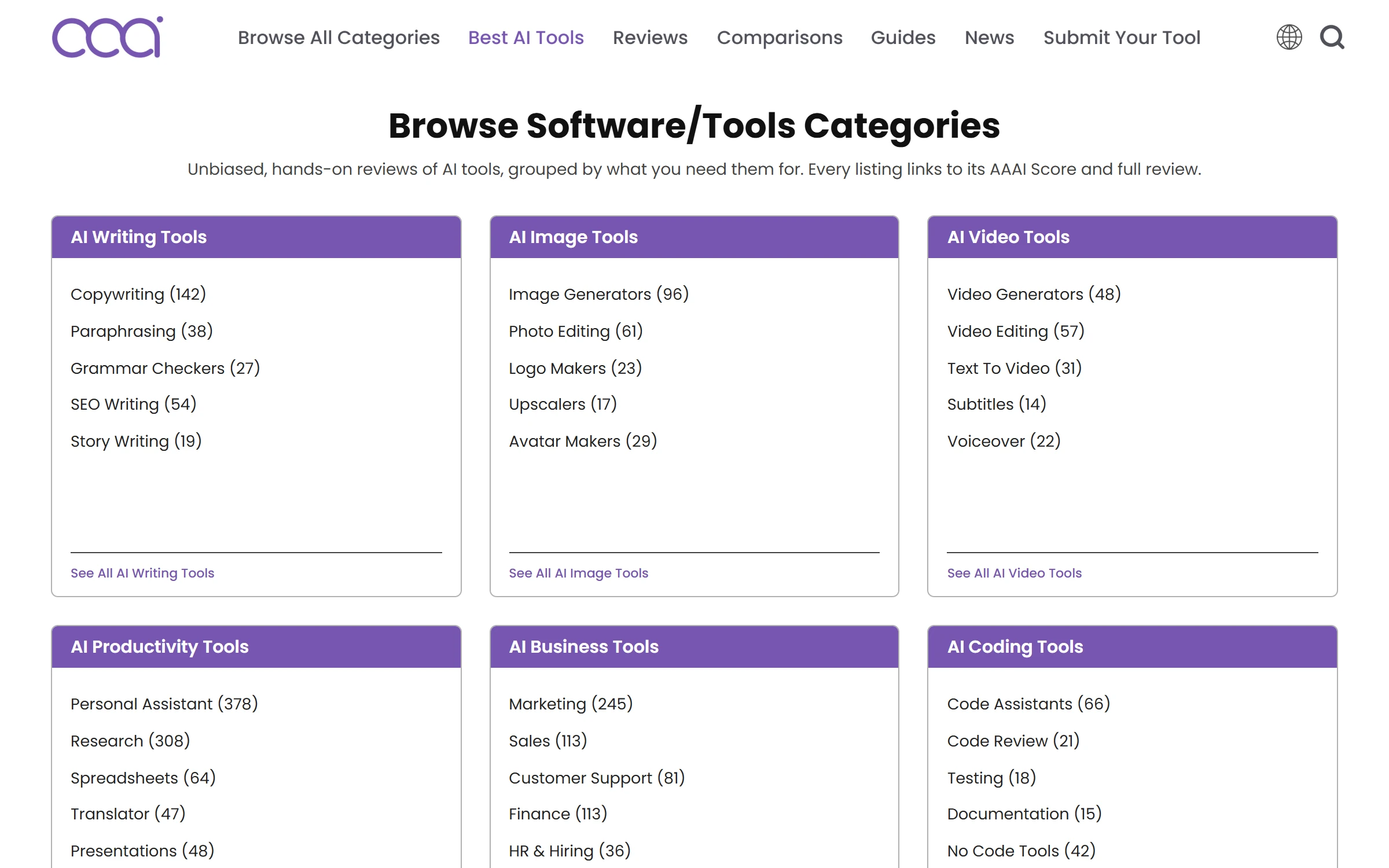
Category index cards from the original design
02

Evaluate

Read the score, the ratings and the verdict.
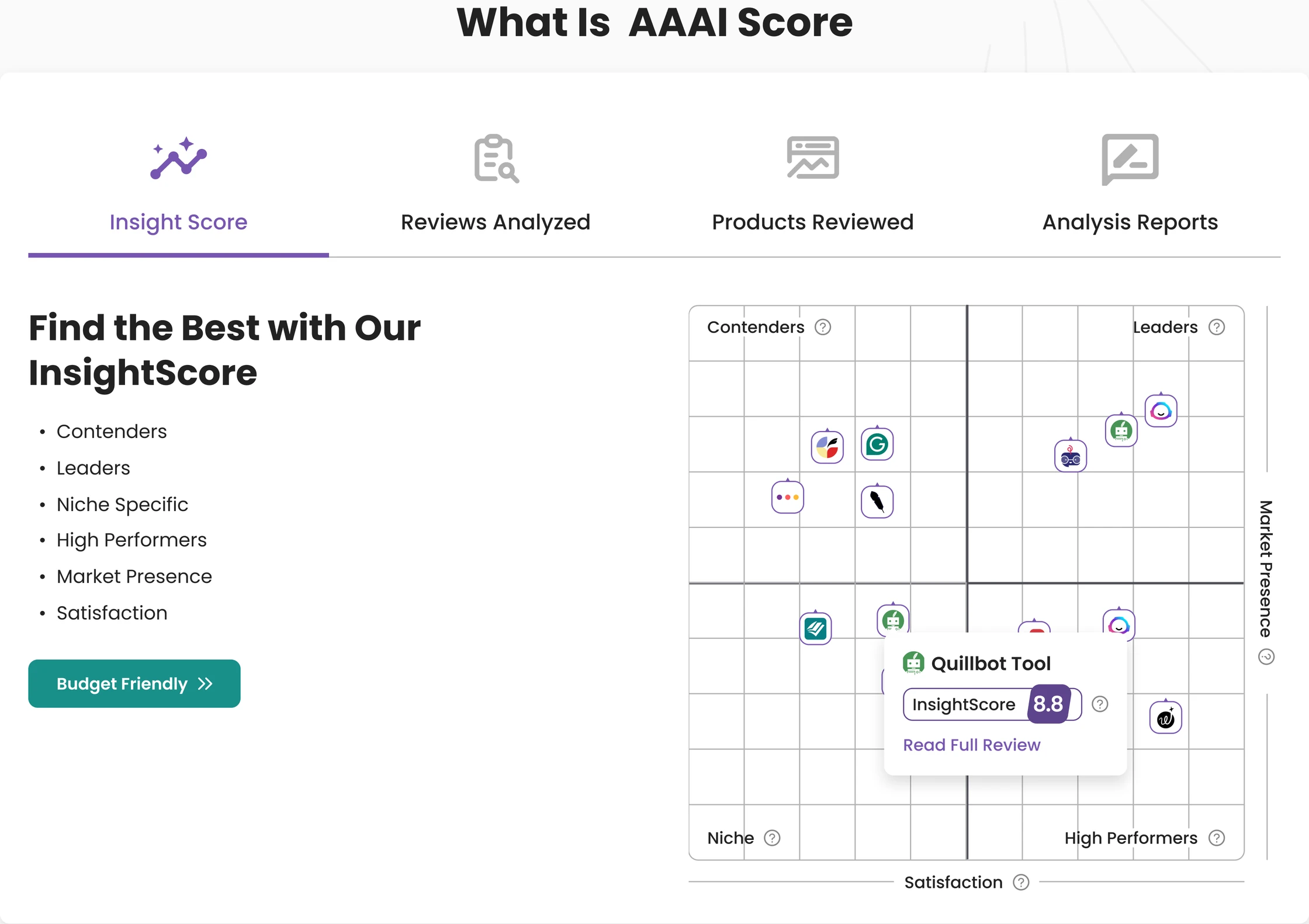
What is AAAI Score module with InsightScore quadrant
03

Investigate

See who wrote it and how tools are tested.
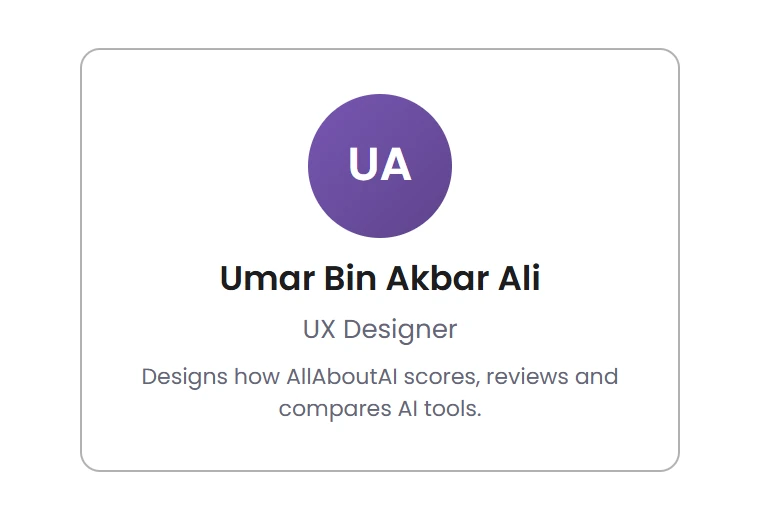
Expert card with name, role and a link to how tools are scored
03 — Visual language

Built to hold data
without feeling heavy.

Typeface

Aa

Poppins

  • Regular
  • Medium
  • SemiBold
  • Bold
Core colours, sampled from the exports
Purple#7756B1Brand, headers, links
Deep purple#5E448DScore badge
Teal#188F89Search & compare actions
Orange#F24300Affiliate CTA
Ink#222222Text
Surface#F3F6FBSummary cards
Signature components
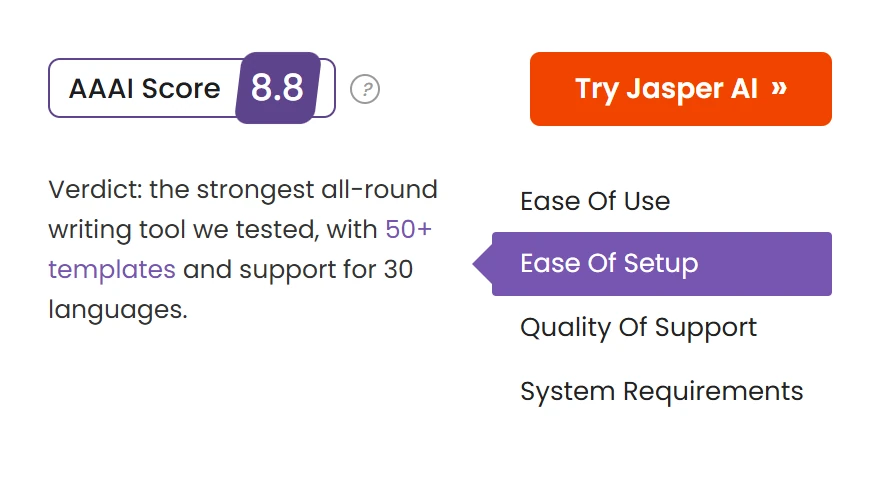
AAAI Score badge, try button and verdict navigation
Score badge · CTA · verdict nav
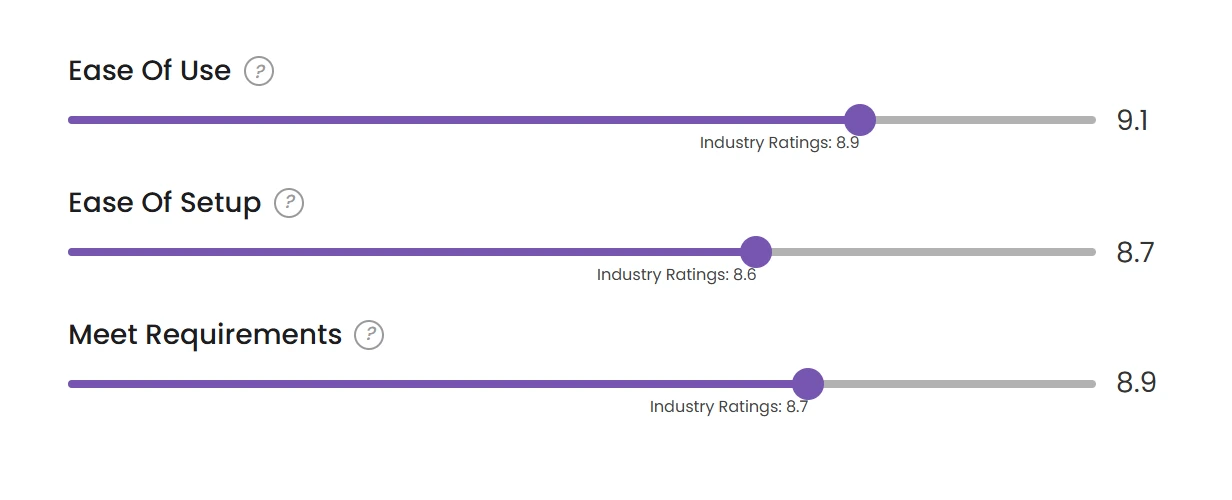
Rating sliders with industry benchmark
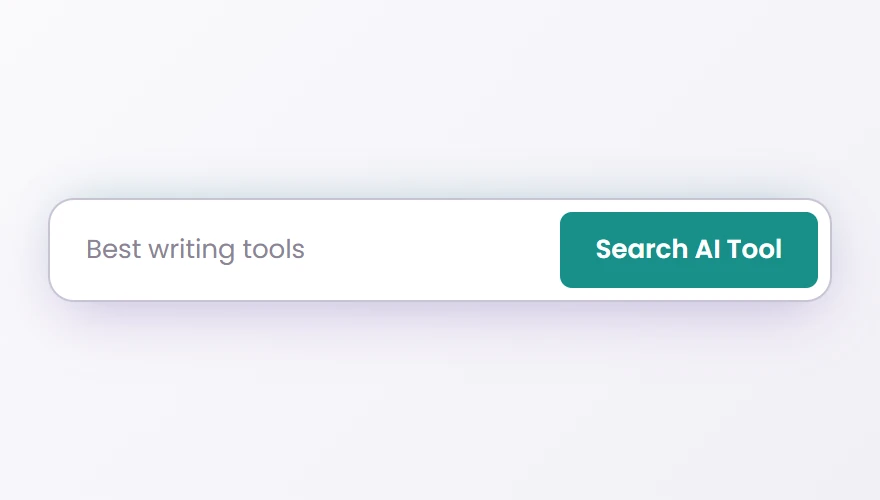
Search AI Tool field
Search
04 — The central challenge

A score needs context.

A single number invites the question “compared to what?”. The AAAI Score places each tool on two axes, groups it with its peers, and lets readers filter by the criteria they care about.
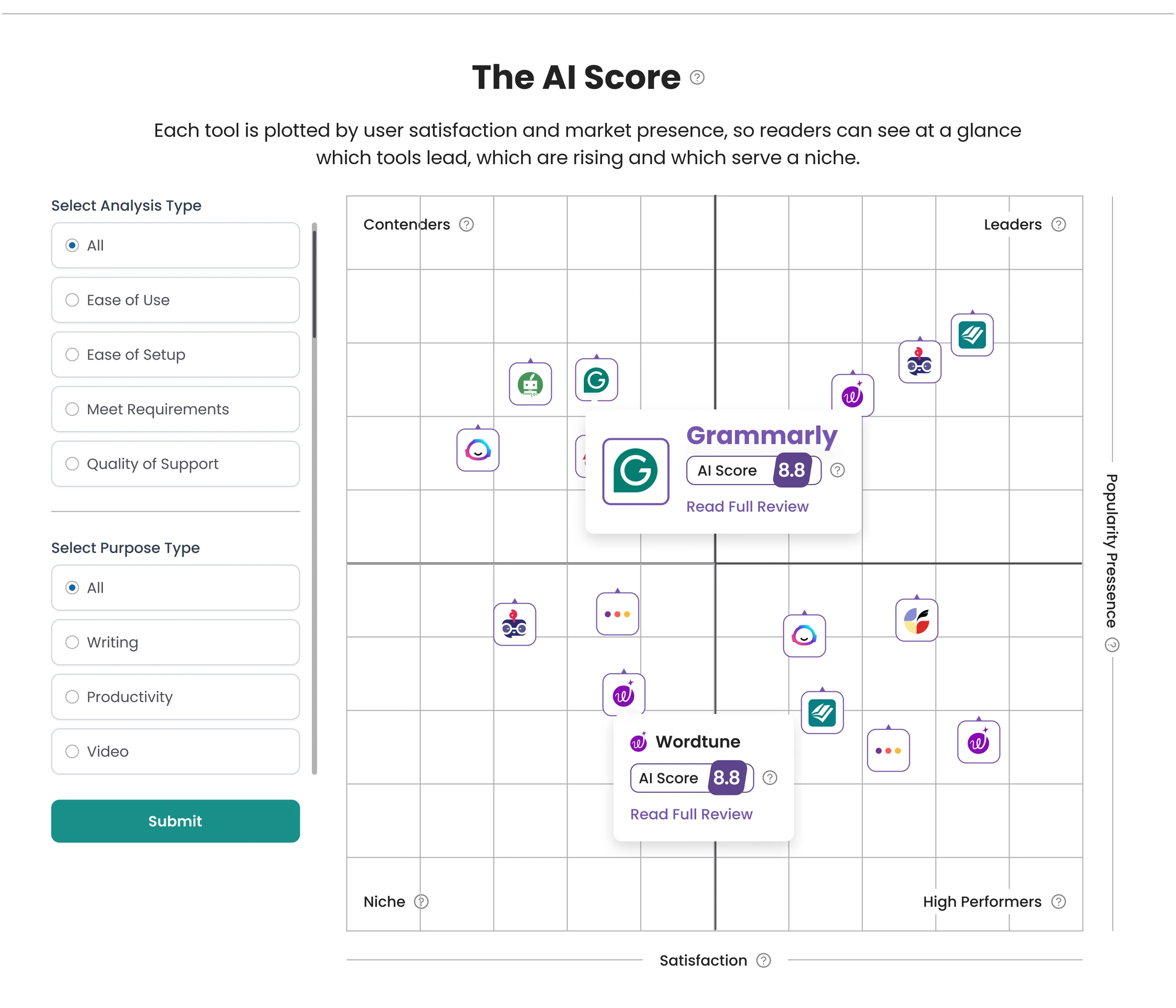
The AI Score quadrant with analysis and purpose filters
The AI Score · quadrant with analysis and purpose filters
Two axes

Satisfaction and Market Presence make the position explainable.

Four groups

Leaders, Contenders, Niche and High Performers.

Your criteria

Ease of Use, Ease of Setup, Meet Requirements, Quality of Support.

Next step

Every marker opens a score card with a path to the full review.

05 — Product review

Give the decision
some structure.

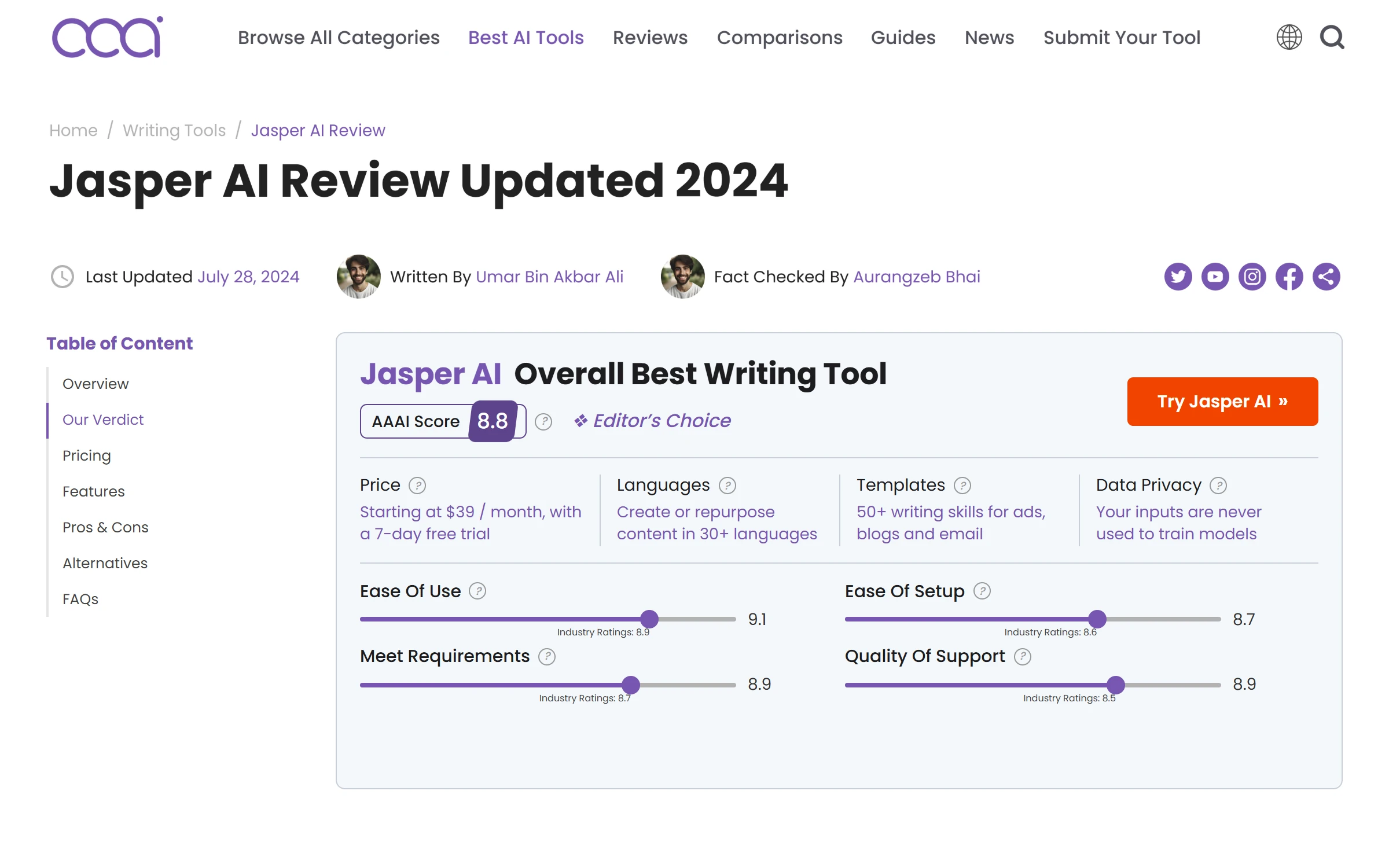
Each review opens with the answer: score, verdict, price and ratings in one summary. The long read follows for those who want it.
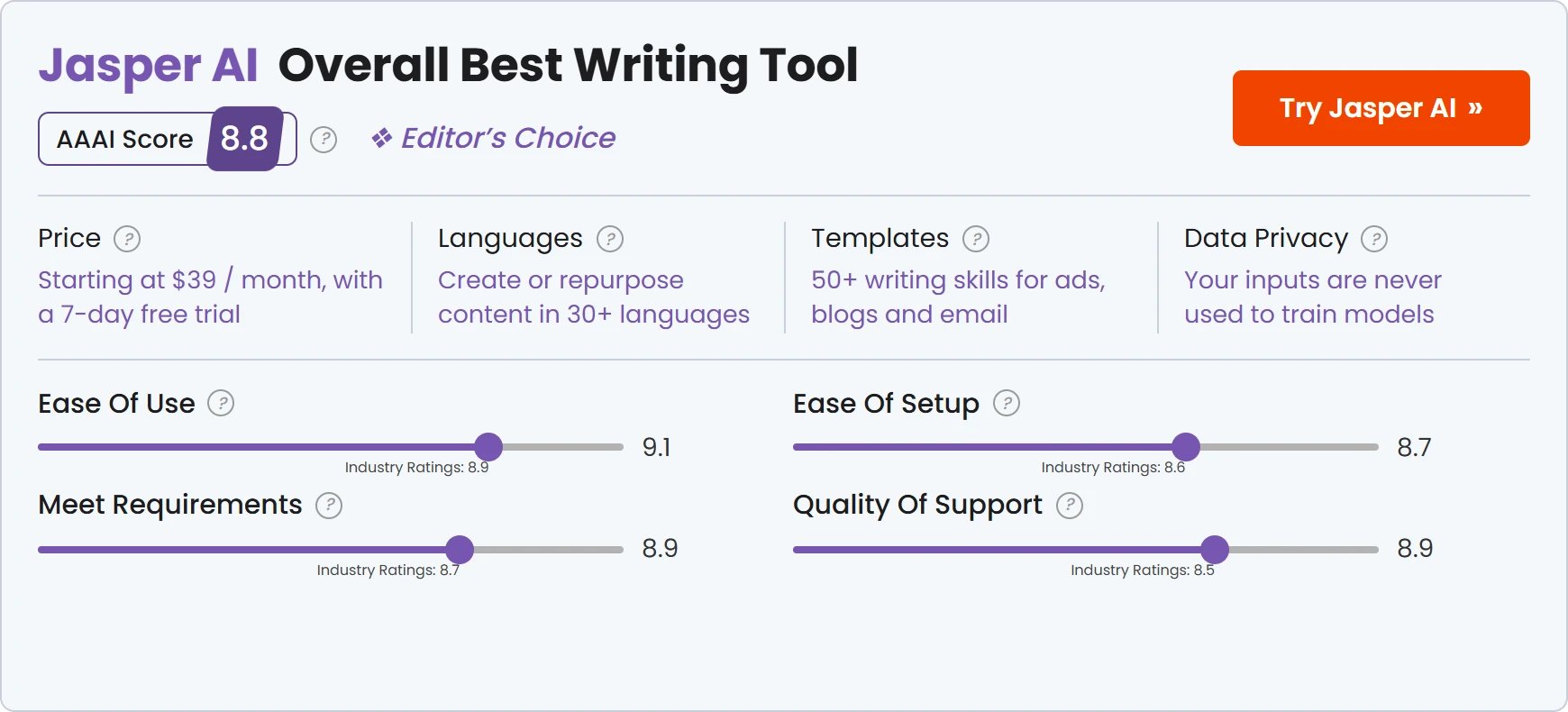
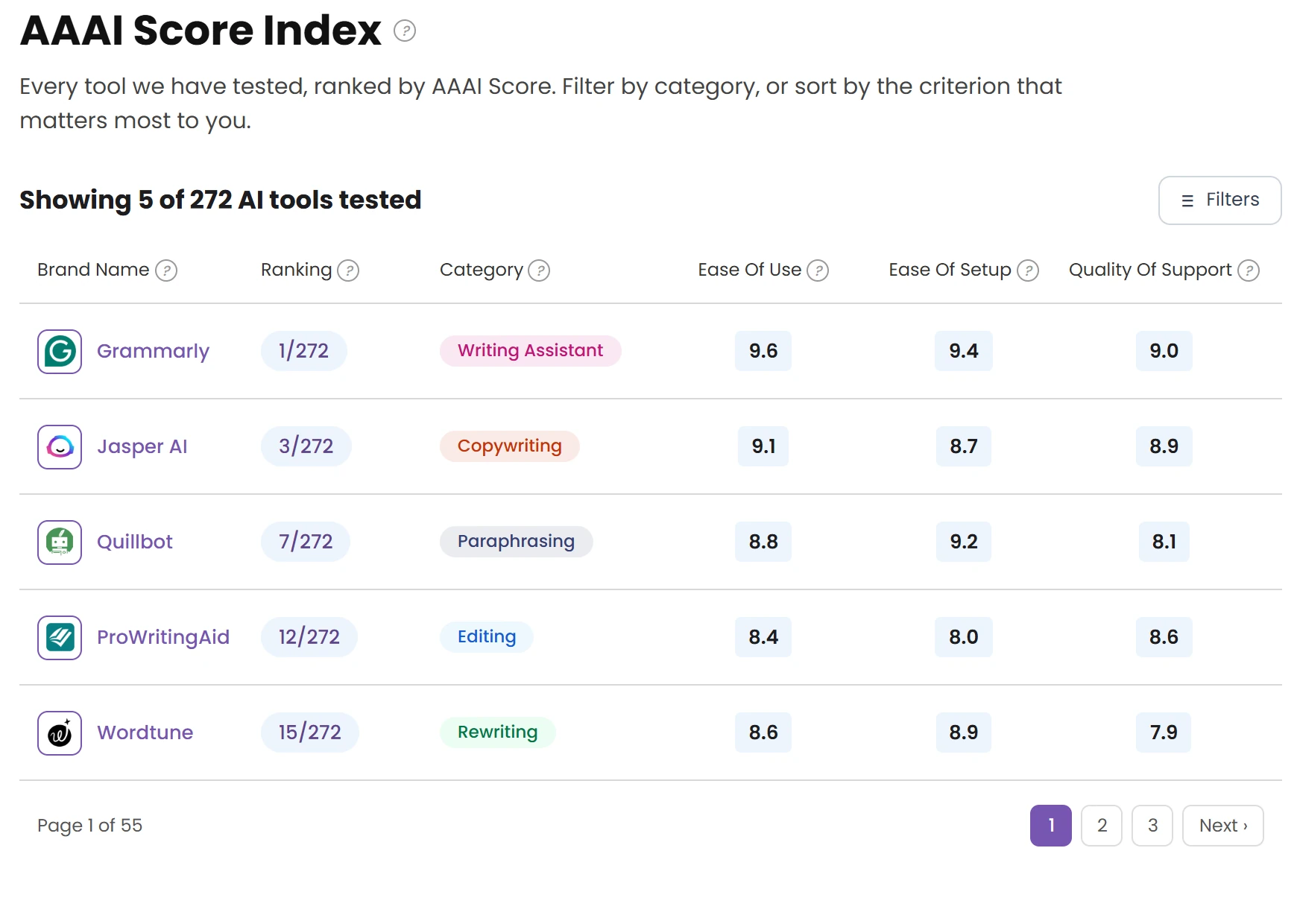
Review summary card
Summary card · the answer first
AAAI Score Index table
AAAI Score Index · filterable table
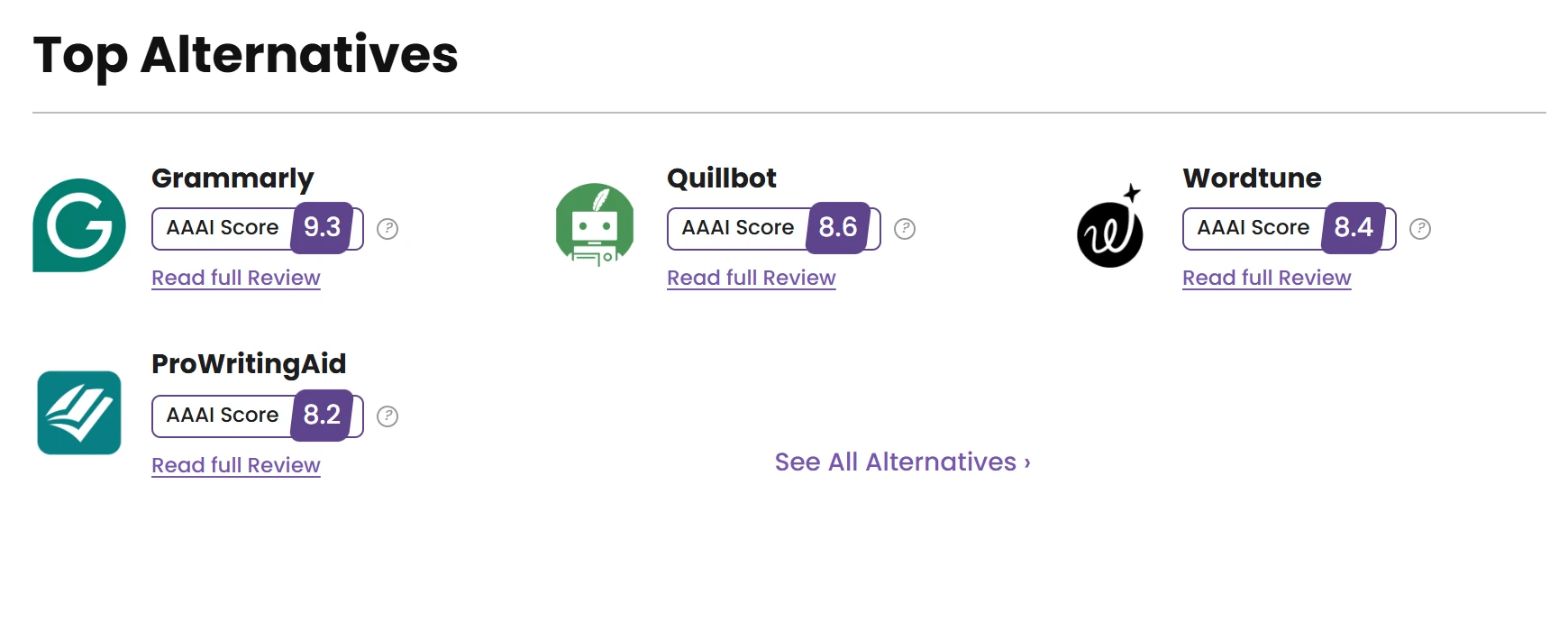
Top alternatives with scores
Top alternatives · keep the reader deciding
06 — Comparison

Side by side,
criterion by criterion.

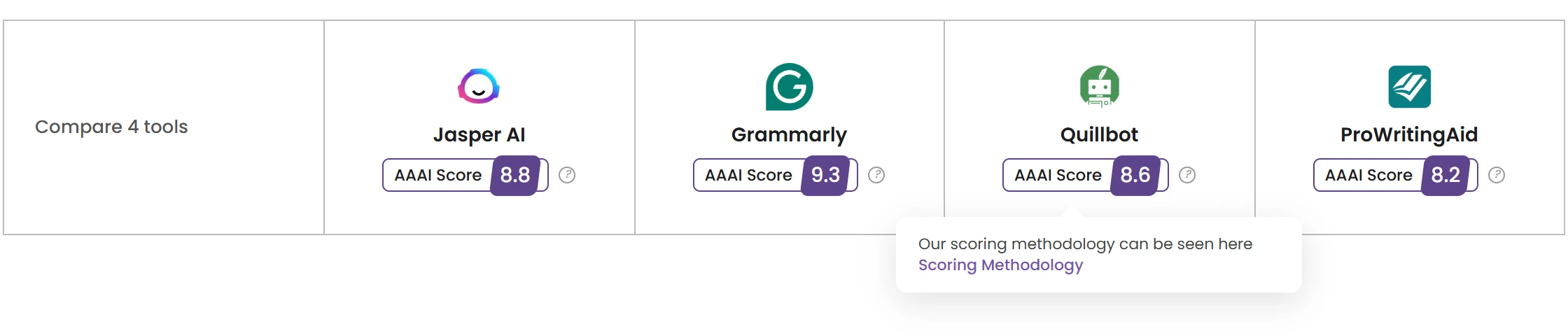
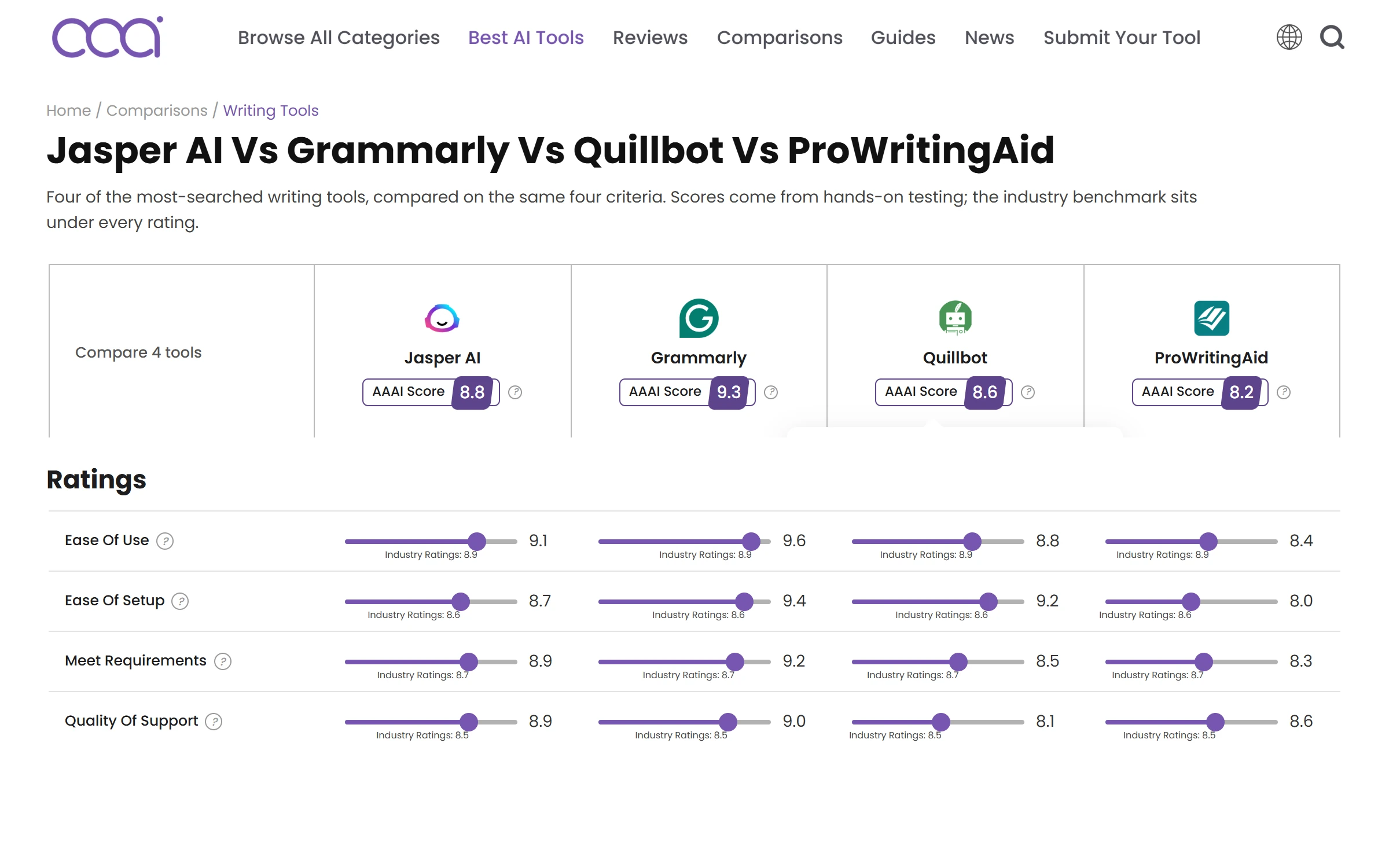
Comparison header with four tools and AAAI Scores
Score header, with a direct link to the scoring methodology
Rating rows for four tools
Rating rows
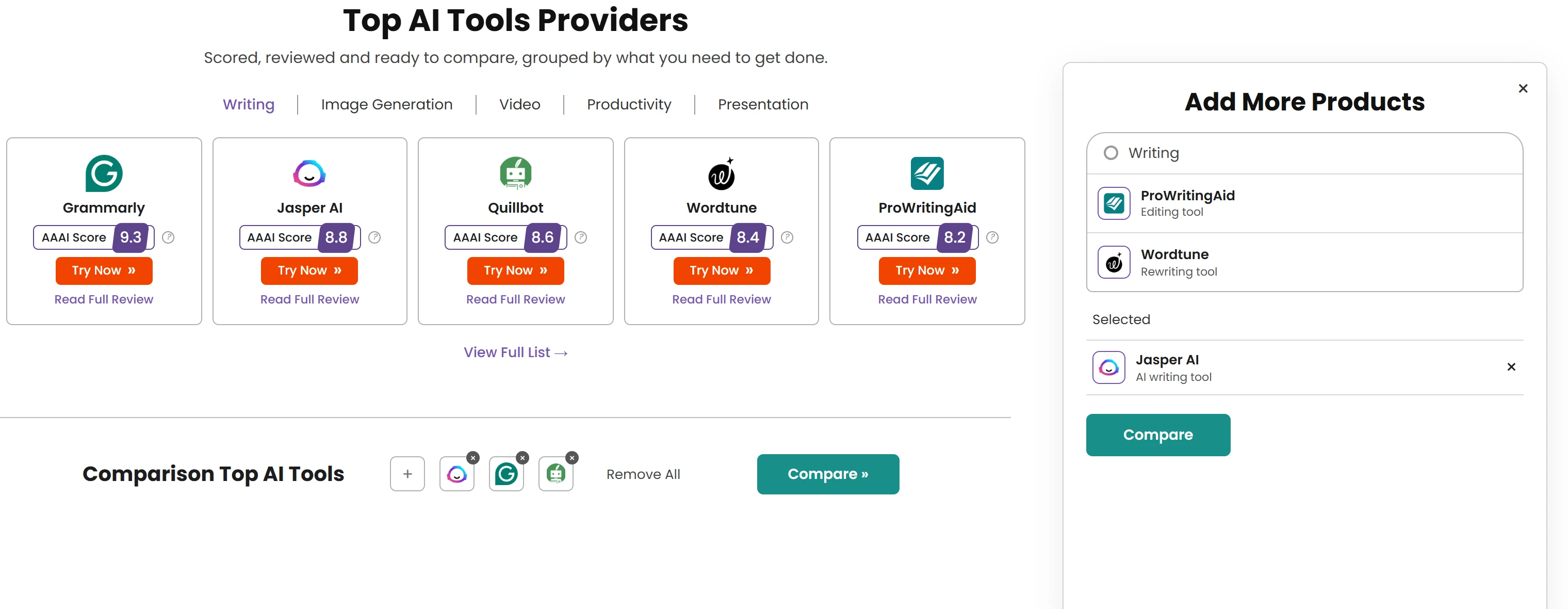
Top AI tools providers with Add More Products compare panel
Compare builder · add tools from anywhere
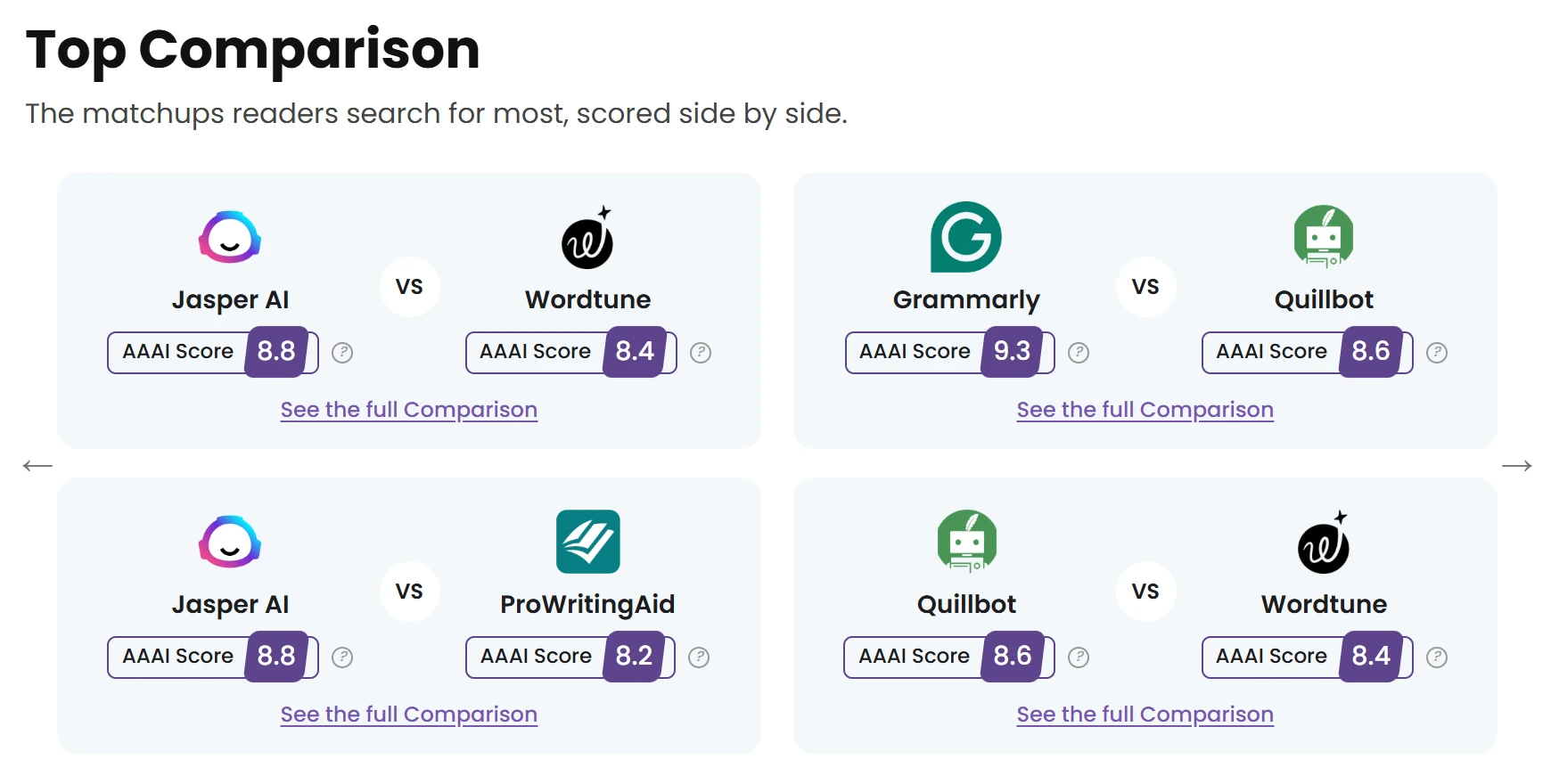
Top comparison cards
Ready-made matchups
07 — Designing for E-E-A-T

Who is behind
the recommendation?

Review title with last updated date, author and fact-checker byline
Every article states when it was updated, who wrote it and who checked it
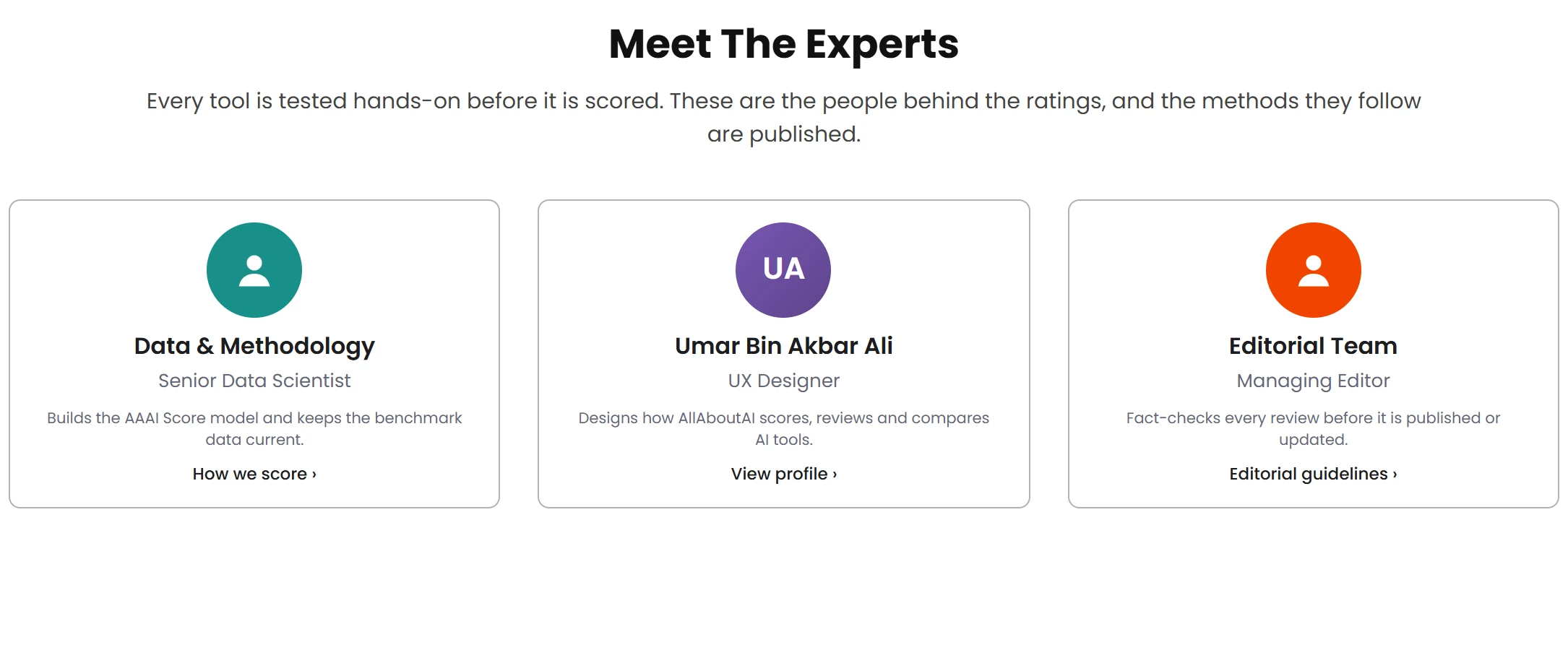
Meet the experts cards
Named experts on the homepage, linked to how tools are scored and checked
01

Author bio pages

A home for each writer’s experience and published work.

02

Testing methodology

How tools are assessed, linked from every score.

03

Editorial guidelines

The standards behind the content.

Original category index design shown on a desktop monitor
08 — Discover

Every tool,
one level away.

The category index turns a large catalogue into a scannable grid of entry points.

Screen: original category index design. Desk scene generated for presentation.

09 — Responsive adaptation

The same logic,
in one thumb.

  • Summary first. The review card stacks score, CTA, facts and ratings in reading order.
  • Table of contents on demand. The desktop sidebar becomes a collapsible bar.
  • Compare dock. Selected tools stay pinned at the bottom of the screen.
  • The quadrant keeps its labels. Axis names and groups remain readable at phone width.

Created in 2026 for this case study. The 2024 Figma file contains desktop frames only; these screens adapt its copy, colours, type and components.
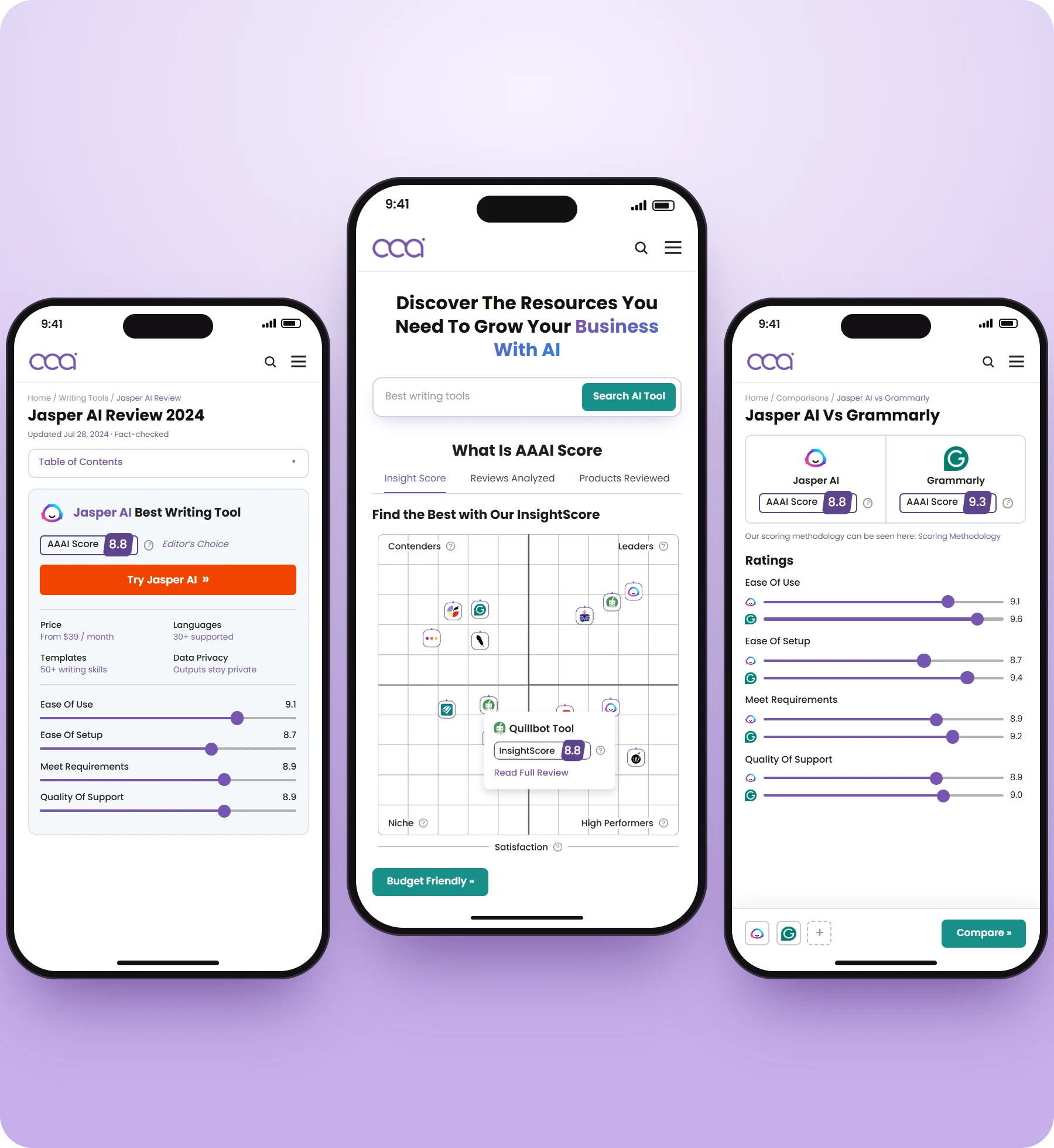

Three mobile adaptation screens: review, homepage and comparison (rebuilt in 2026)
10 — The collection

Four templates. One system.

allaboutai.com
Homepage page design
HomepageFrom the 2024 Figma export: search and the score explainer
allaboutai.com/jasper-ai-review
Product review page design
Product reviewSummary card first, then the long read
allaboutai.com/compare
Comparison page design
ComparisonScore header and rating rows, criterion by criterion
allaboutai.com/categories
Category index page design
Category indexEvery category, one click from its tools

Windows 2 to 4 are recomposed from rebuilt components; the original Figma pages still carry placeholder copy.

11 — In use

A design that went live.

≈300Kmonthly visitors around the time of acquisitionRecalled by the designer from analytics seen at the time. This is a site-level figure, not traffic attributed to the redesign.
2024 → 2026Live from launch until March 2026, when the project was acquired.
2 monthsFrom brief to a full set of page designs.
1 designerEvery template, plus the score presentation.

Clarity before the click.

AllAboutAI